How To Get Start With React-Create Your First Project
Getting Ready
We will be using the Node package manager (npm), so you will need to have Node installed on your computer. To check if you have Node installed, run this command in your terminal:
node -v
Creating React App
Open Vs Code or any other Editor
Run the following command in terminal
npx create-react-app <app_name>
After the successful completion go to terminal and type the following
 cd <your_app_name>
 npm start
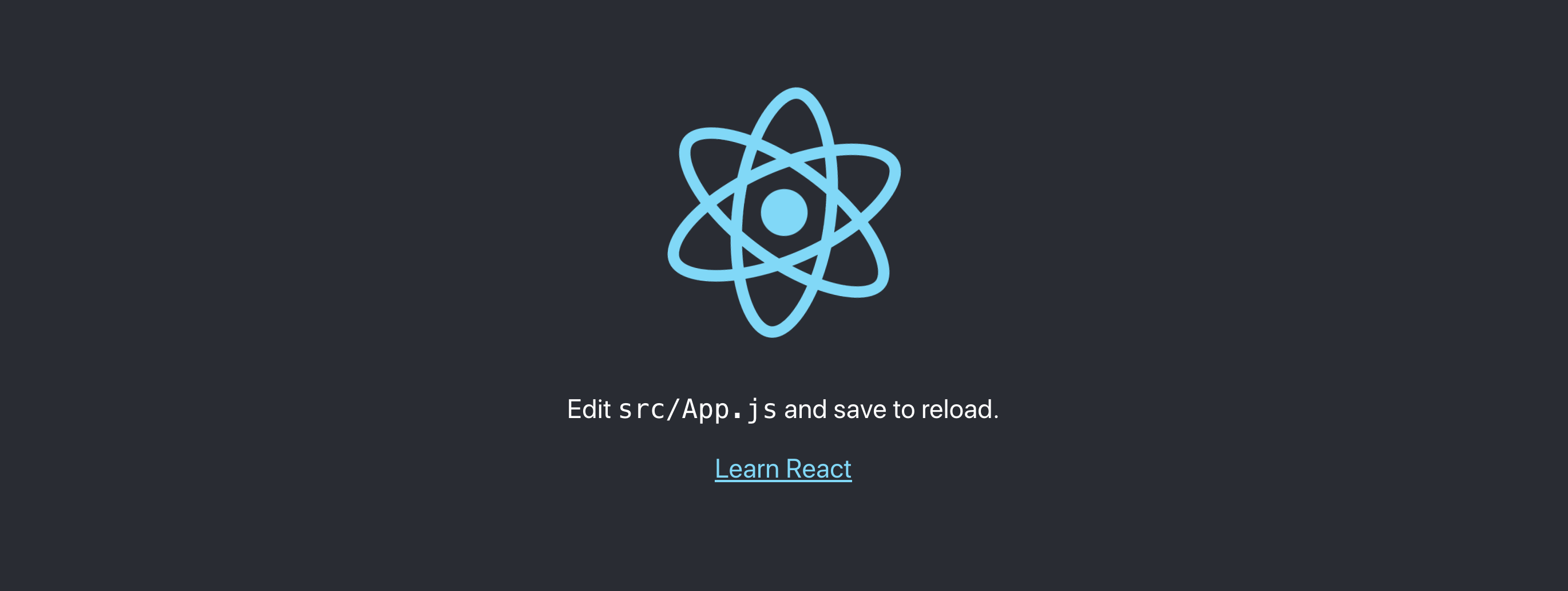
Then go to http://localhost:3000/
Then you will see this page
Happy Coding🔥
15 views


